AR-Photo Studio
Live-photos in augmented reality
Instruction
Download the application
If your phone model does not allow scanning QR codes in the camera application, then you can download our application from the link
Point your phone’s camera at the QR code and download the LikeMe Studio application for IOS or Android. The application works on any smartphone
1. Download the app
Download the application to your smart phone using the QR code or link
2. Launch the app
Open the app
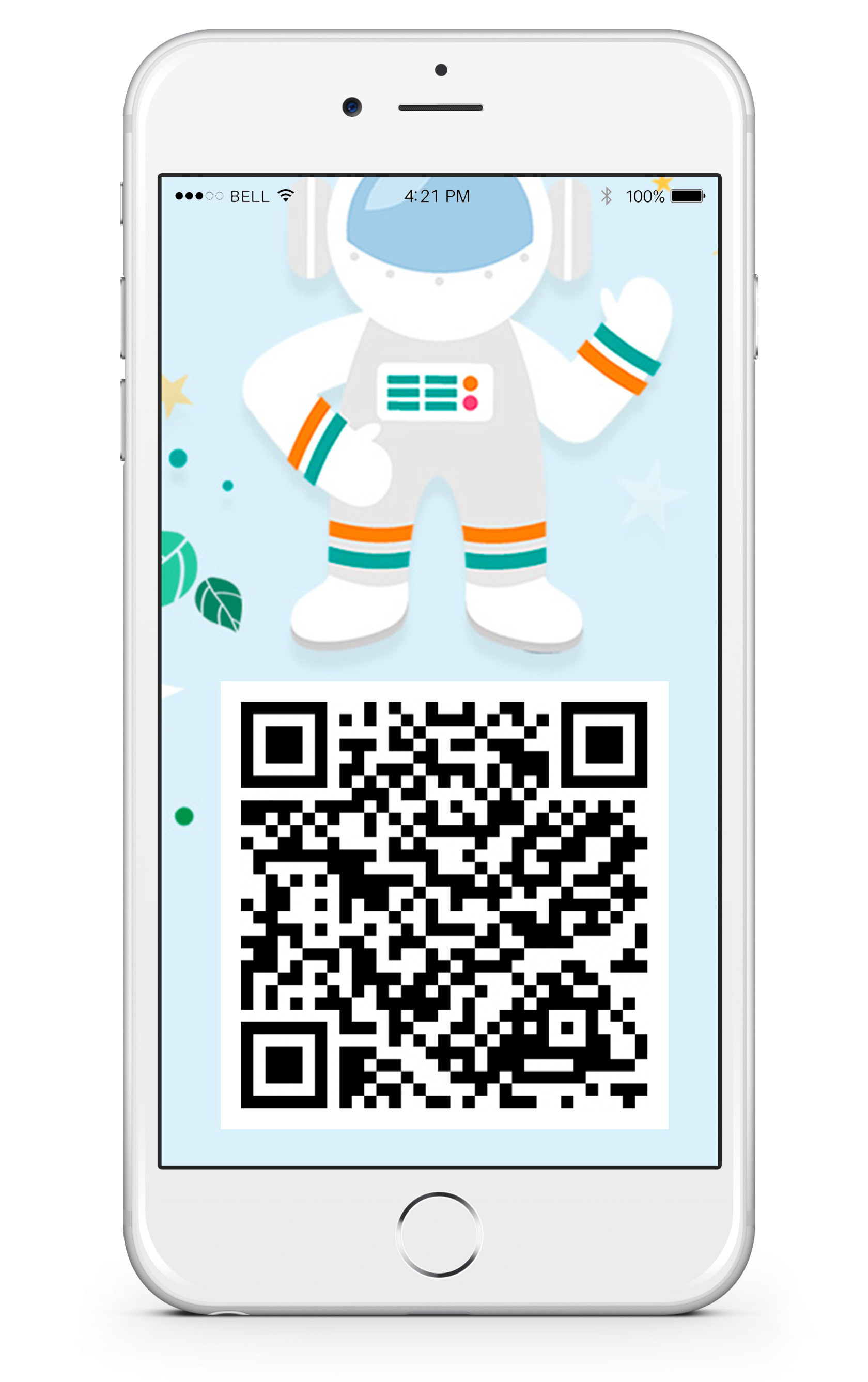
3. Scan the QR code
Point your phone’s camera at the QR code on the right
4. Watch
Point your camera at one of the scenes on the next slide and watch your photos come to life
See live photos
- Point your smartphone camera at the QR code of any of the pictures below
- Download our branded application LikeMe Studio
- Enjoy photos coming to life, or watch a video example